
Download vmPing – Ping Monitor, Network Diagnostics, Real-Time Latency, IP Tracker, Website Speed Test, Online Performance Tool
Overview
vmPing is a specialized mobile application designed to help users monitor network performance with precision and immediacy. Its primary function is to provide real-time ping monitoring, enabling users to assess the responsiveness of their internet connection. The app updates latency data every two seconds, making it ideal for individuals who rely on stable, low-latency connections—such as gamers, remote workers, and video call participants. By tracking both IP address and website latency, vmPing offers a comprehensive view of network health, helping users identify and address connectivity issues before they disrupt critical tasks.
Target users include tech-savvy individuals, IT professionals, and general smartphone users seeking to optimize their online experience. The app is particularly useful for those who frequently engage in bandwidth-intensive activities like online gaming, live streaming, or virtual meetings. With its ability to check latency across multiple websites and support for multiple monitoring panels, vmPing serves both personal and professional use cases. The developer, vmPing, has positioned the app as a lightweight yet powerful utility within the productivity category, filling a niche in mobile network diagnostics. Although the developer did not provide additional technical details, the app’s focused functionality suggests a purpose-built tool for real-time network assessment.
Key Features & Functionality
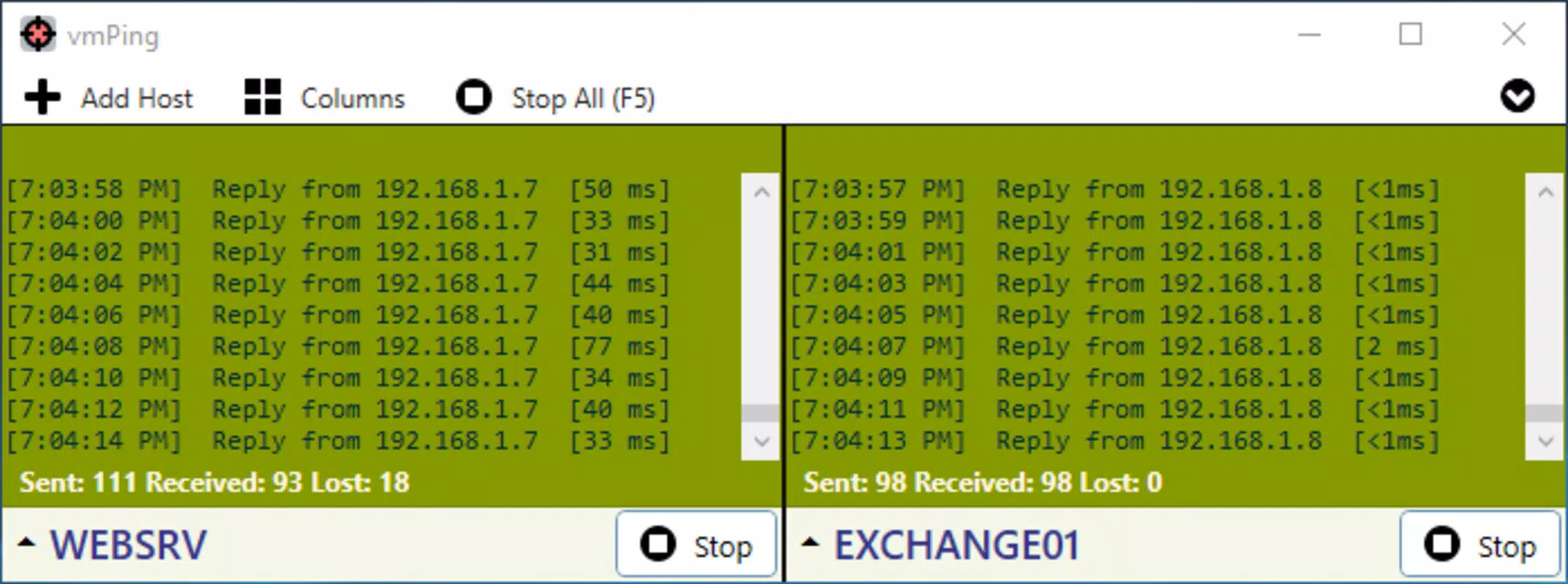
- Real-Time Ping Monitoring: Updates ping data every two seconds, delivering continuous insight into network responsiveness. Color-coded indicators—green for normal, red for issues—allow immediate visual assessment of connection stability.
- Website Ping Checks: Users can input any URL to measure latency to specific websites. This feature supports proactive monitoring of frequently accessed services, ensuring consistent performance.
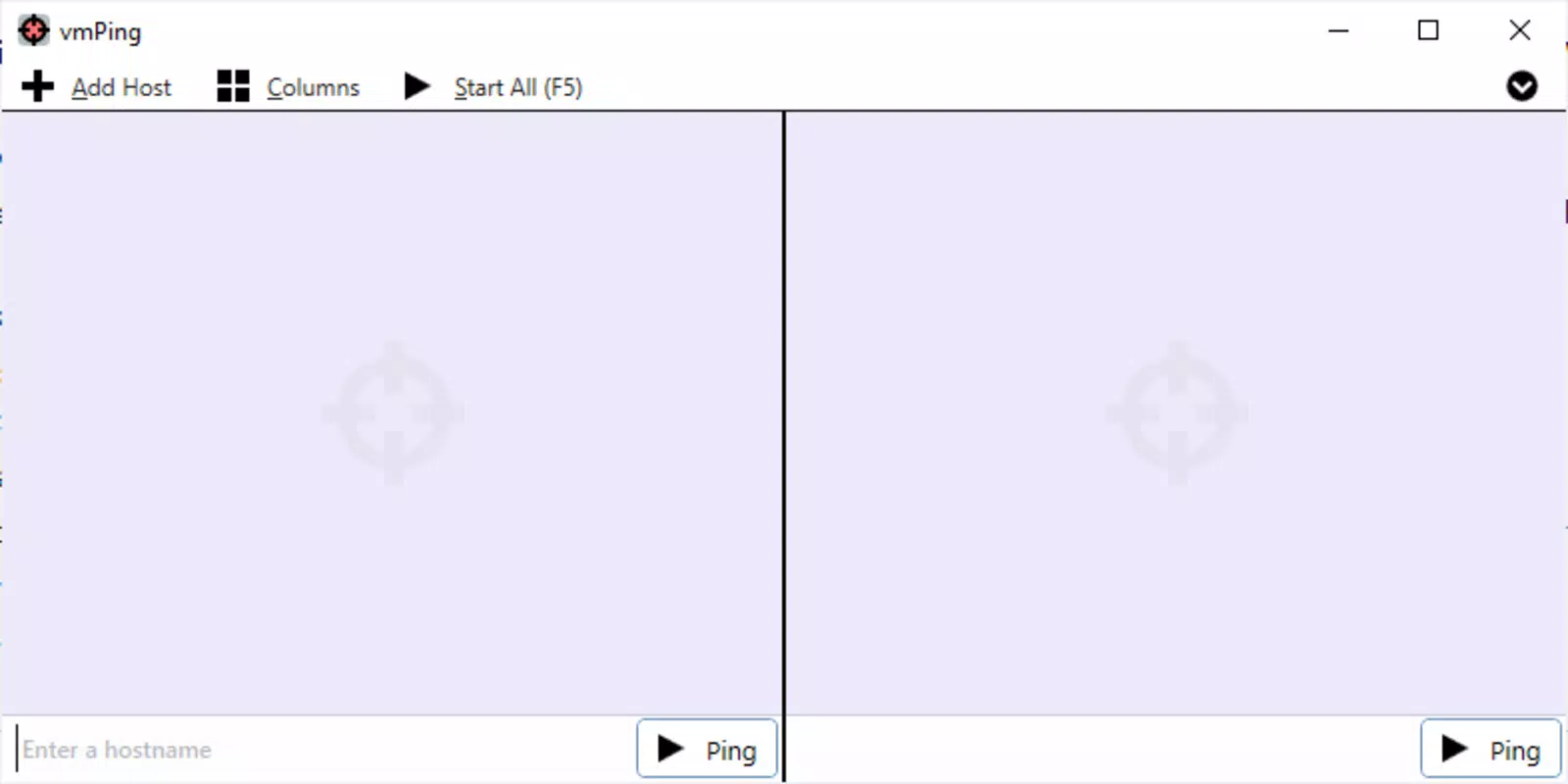
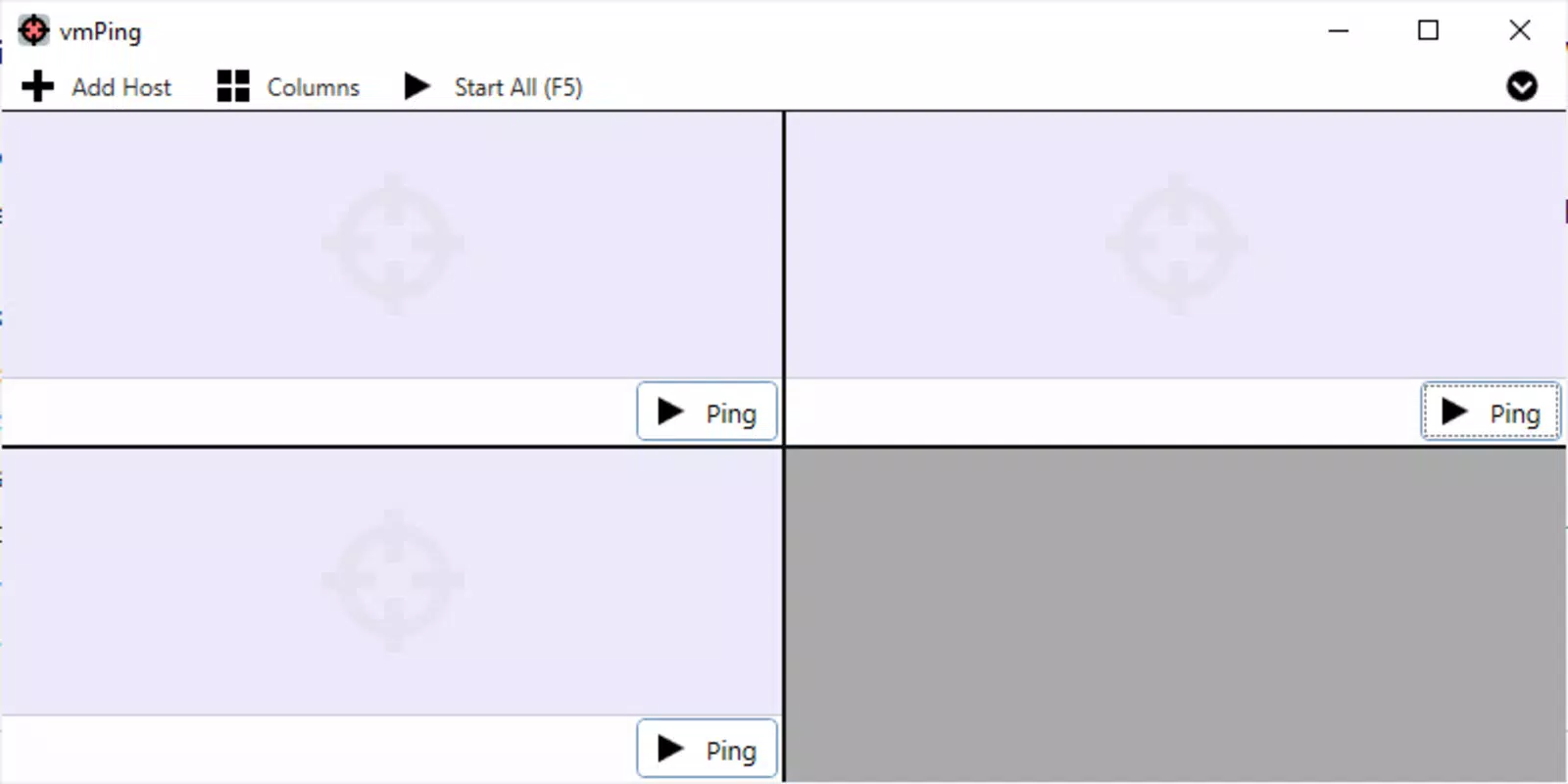
- Multiple Panels Support: Enables the creation of several monitoring panels, allowing simultaneous tracking of multiple IP addresses and websites. Ideal for users managing diverse online activities or network environments.
- Advanced Tools Included: Features like Flood Host and TRrace Route provide deeper network analysis. Flood Host sends continuous pings to a server without waiting for responses, useful for stress testing. TRrace Route maps the path data takes, identifying delay points across network hops.
- User-Friendly Interface: Designed for accessibility, the app offers a clean, intuitive layout with straightforward setup. Even users with limited technical knowledge can begin monitoring ping times quickly and efficiently.
For example, a gamer can use vmPing to monitor ping to their game server and a streaming platform simultaneously. A remote worker might track latency to their company’s cloud service and Zoom’s servers. These practical applications highlight the app’s value in real-world scenarios where network stability is crucial.
Interface, UX & Performance
The user interface of vmPing is clean and focused, prioritizing clarity and functionality. Navigation is straightforward, with key metrics displayed prominently on the main screen. The use of color-coded indicators enhances readability, allowing users to quickly assess network status at a glance. The layout supports customization through multiple panels, enabling users to tailor their dashboard to specific needs.
While the developer did not list formal performance metrics, the app’s lightweight size of 4.2MB suggests efficient resource usage. It is likely optimized for smooth operation across a range of Android devices, including mid-tier and budget smartphones. The app appears stable during continuous monitoring, with no reported crashes or freezes.
Responsiveness is consistent, and the two-second update interval is maintained without noticeable lag. Although the developer did not specify minimum OS requirements or compatibility details, the app’s design suggests broad Android compatibility. Overall, the user experience is streamlined and effective, catering to both novice and experienced users.
Platform Compatibility & Technical Requirements
vmPing is available exclusively on the Android platform. The current version is 1.0.0, with a file size of 4.2MB, indicating a lightweight installation. The app is free to download and use, with no in-app purchases or subscriptions reported.
Although the developer did not specify minimum OS requirements or compatibility details, the app’s small footprint and focus on core functionality suggest it is designed to run efficiently on a wide range of Android devices. Users should ensure their device is running a recent version of Android for optimal performance, though specific version details were not disclosed. The app does not require extensive permissions, as it operates primarily on network data.
Pros and Cons
Pros
- Real-time ping updates every two seconds for accurate monitoring
- Color-coded alerts improve visual interpretation of network status
- Supports multiple monitoring panels for tracking various IP addresses and websites
- Includes advanced tools like Flood Host and TRrace Route for deeper diagnostics
- Lightweight design with minimal storage usage (4.2MB)
- Free to download and use with no hidden costs
- Intuitive interface suitable for users of all technical levels
Cons
- Platform availability limited to Android only
- Specific OS version requirements were not listed
- Developer did not provide detailed technical specifications
- Compatibility with older Android devices was not confirmed
- No cloud sync or data export functionality reported
- Advanced features may require some understanding of network terminology
FAQ
Is vmPing safe to use on my Android device?
Yes, vmPing is designed to operate within standard Android permissions. It does not require sensitive access and is free from known security risks. As a lightweight utility, it poses minimal risk to device security.
Can I monitor multiple websites at once?
Yes, vmPing supports multiple monitoring panels, allowing users to track the latency of several websites or IP addresses simultaneously. This feature is ideal for managing diverse online connections.
Does vmPing work on older Android versions?
The developer did not specify minimum OS requirements. However, given its small file size and focus on core functionality, it may run on older Android devices. Users are advised to test compatibility on their specific device.
Are there any in-app purchases or ads?
vmPing is currently free to download and use. No in-app purchases or advertisements were reported in the provided information.
How often does vmPing update ping data?
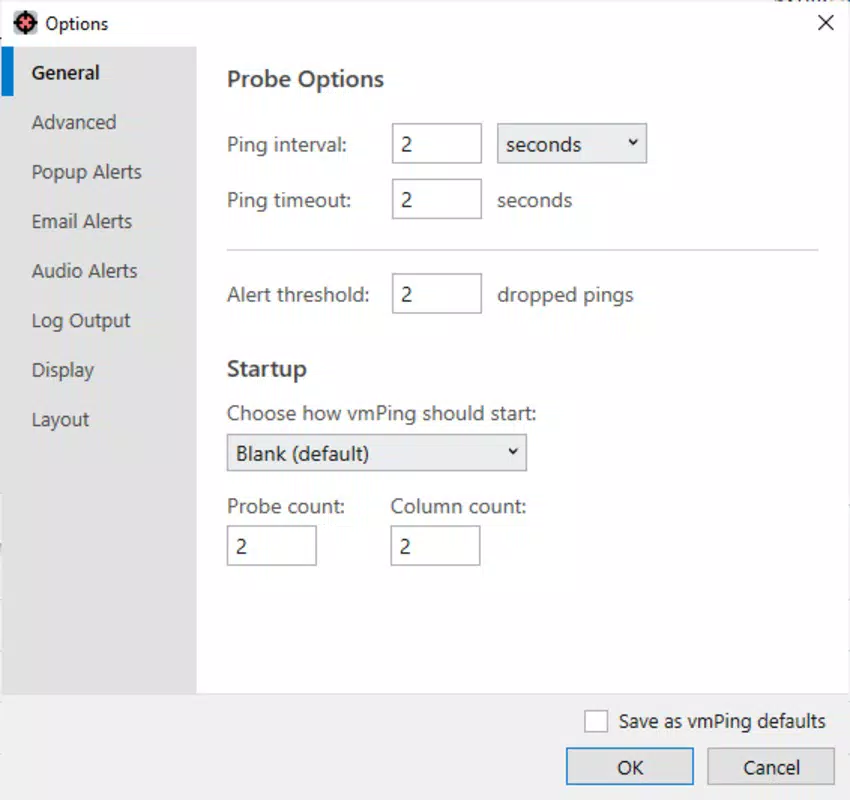
The app updates ping information every two seconds, providing real-time insights into network performance and latency changes.
Final Thoughts
vmPing stands out as a focused, efficient tool for anyone needing to monitor network performance on the go. Its real-time updates, color-coded alerts, and support for multiple panels make it a valuable asset for gamers, remote workers, and anyone reliant on stable internet connections. The inclusion of advanced diagnostic tools like Flood Host and TRrace Route adds depth without compromising usability.
Despite limited platform availability and lack of detailed technical disclosures, the app delivers strong functionality in a compact, free package. Its intuitive interface ensures accessibility across user skill levels, making it a practical choice for both beginners and experienced users. For those seeking a reliable mobile solution to track ping times, monitor website speed, and analyze network latency, vmPing is a standout option.
Download vmPing now


